
Creating high-quality content consistently is more challenging than ever. Whether you’re a YouTuber, blogger, freelancer, digital marketer, Instagram creator, or small business owner, you need to produce engaging content while managing research, editing, design, publishing, and audience engagement. Doing everything manually can quickly become overwhelming.
Fortunately, artificial intelligence has transformed the content creation process. Modern AI tools can help generate ideas, write articles, design graphics, edit videos, create social media captions, remove backgrounds, improve audio, and even automate repetitive tasks. Instead of replacing creativity, these tools help creators save time and focus on producing better content.
In this guide, we’ll explore the Best AI Tools for Content Creators in 2026, covering their features, advantages, limitations, and the situations where each tool works best. Whether you’re just starting your content journey or you’re already creating content professionally, these tools can significantly improve your workflow.
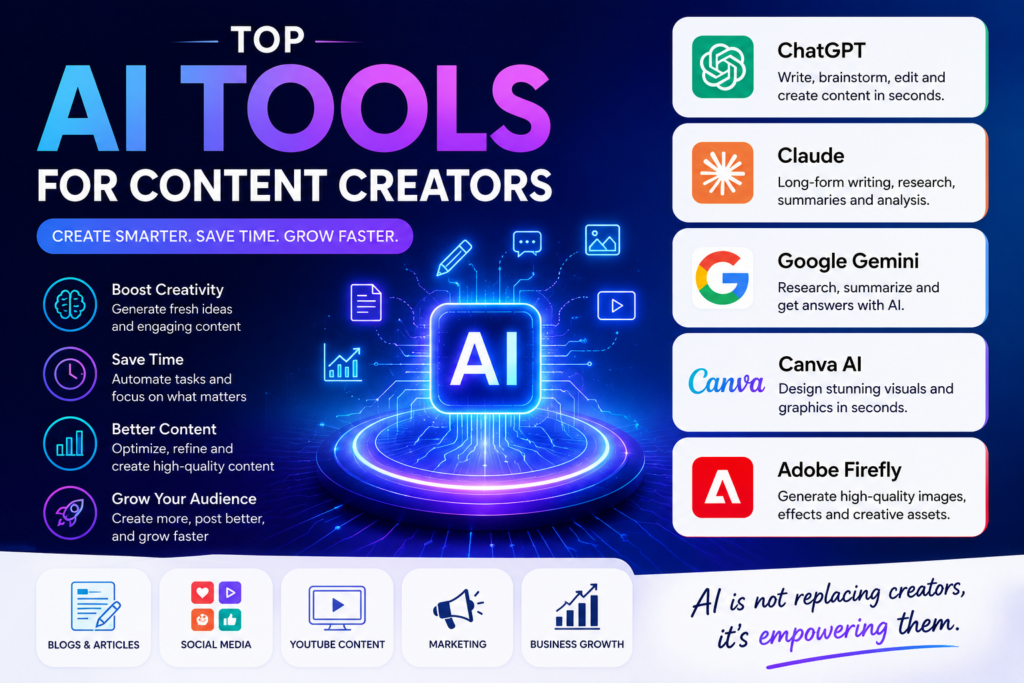
Creating content today is about much more than writing or recording videos. A single piece of content often involves keyword research, script writing, graphic design, editing, thumbnails, captions, scheduling, and promotion.
AI tools simplify these repetitive tasks while helping creators stay productive.
Some of the biggest benefits include:
The goal isn’t to let AI replace your creativity. Instead, use it to handle routine tasks so you can focus on creating valuable, original content.
Every tool in this list was selected based on several important factors:
These tools are widely used by bloggers, YouTubers, marketers, designers, freelancers, and social media creators.
ChatGPT remains one of the most versatile AI tools available. It can assist with blog writing, video scripts, email drafting, brainstorming, social media captions, marketing strategies, and coding support.
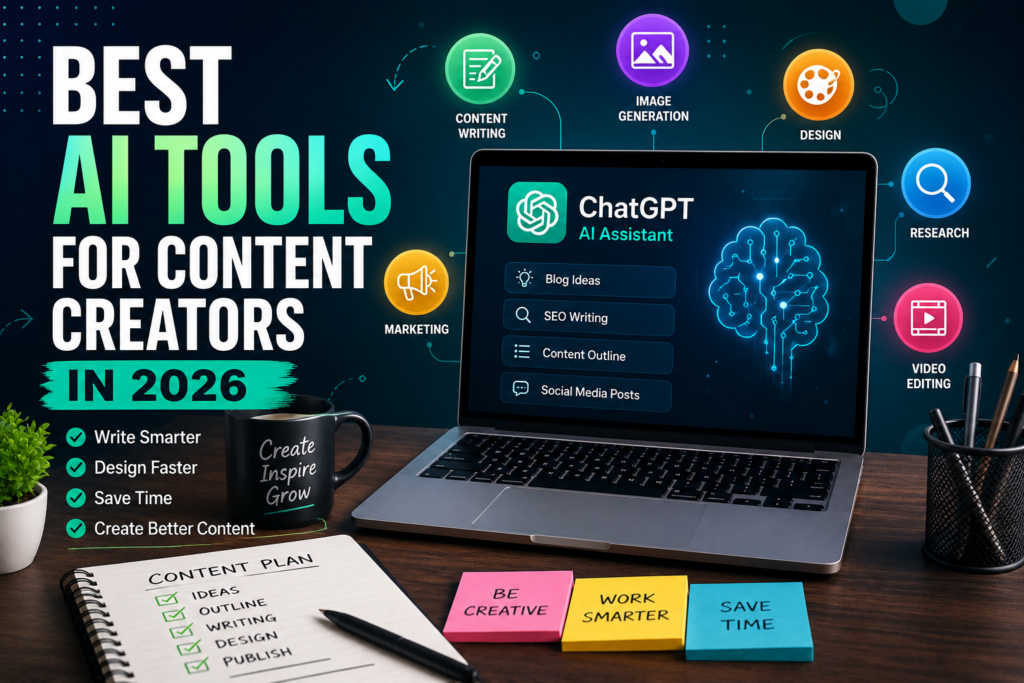
Suppose you’re writing a blog about Android tips. Instead of spending an hour creating an outline, you can ask ChatGPT to suggest headings, FAQs, and content ideas. You can then add your own expertise, examples, and personal insights to make the article unique.
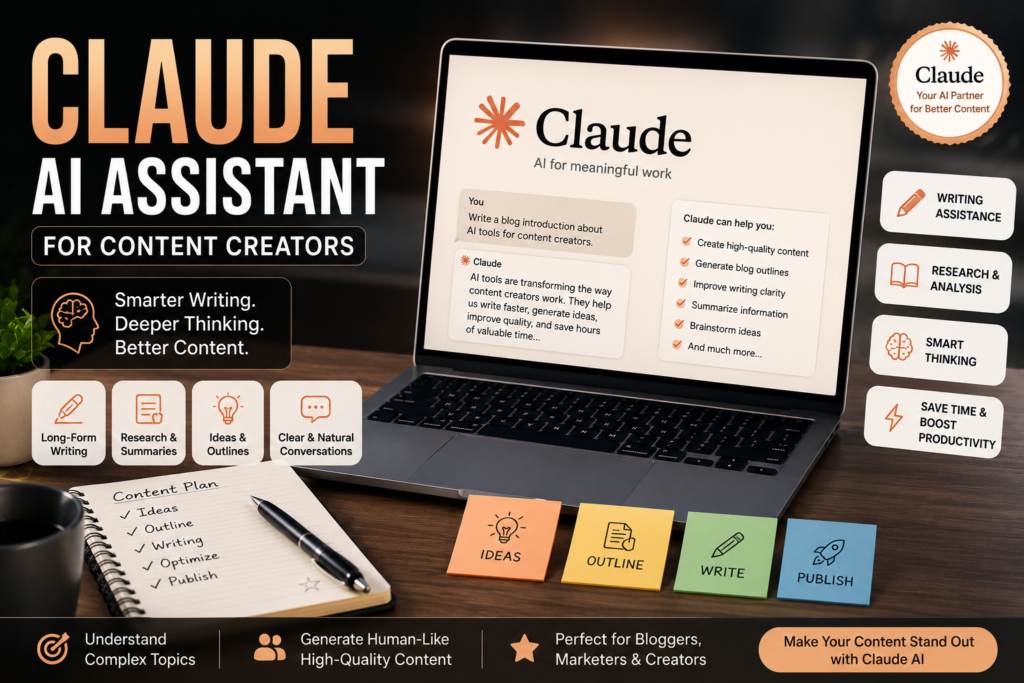
Claude has become a favorite among writers and bloggers because of its thoughtful responses and strong long-form writing capabilities.
It performs particularly well when working with lengthy documents, research material, and detailed explanations.
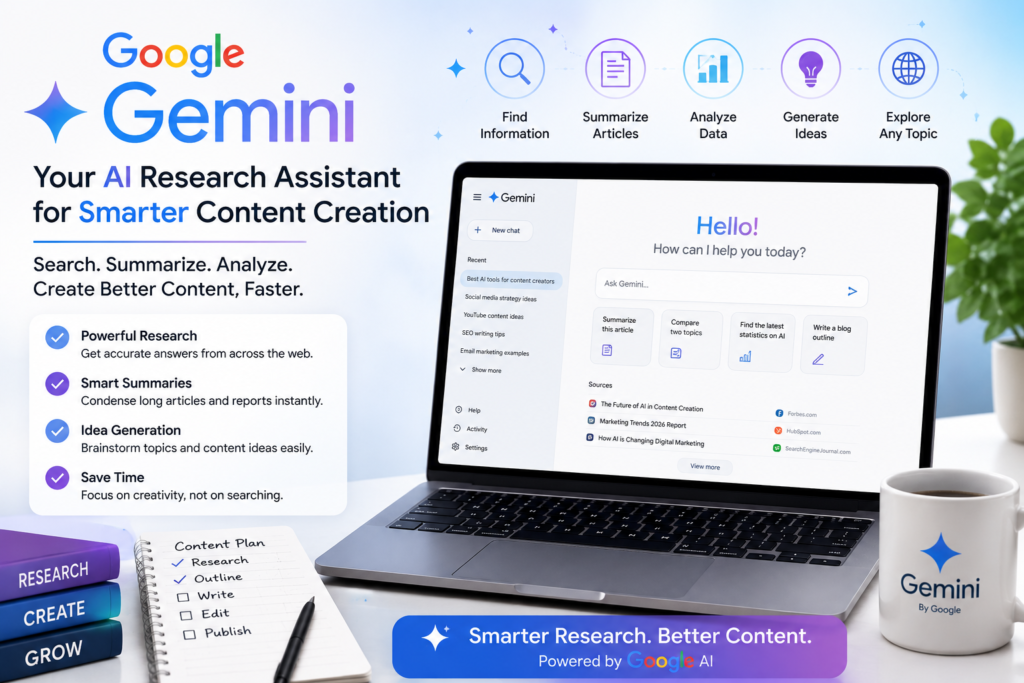
Google Gemini integrates well with Google Workspace, making it especially useful for creators who use Google Docs, Drive, and Gmail.
It also helps with brainstorming, summarizing information, and improving productivity.
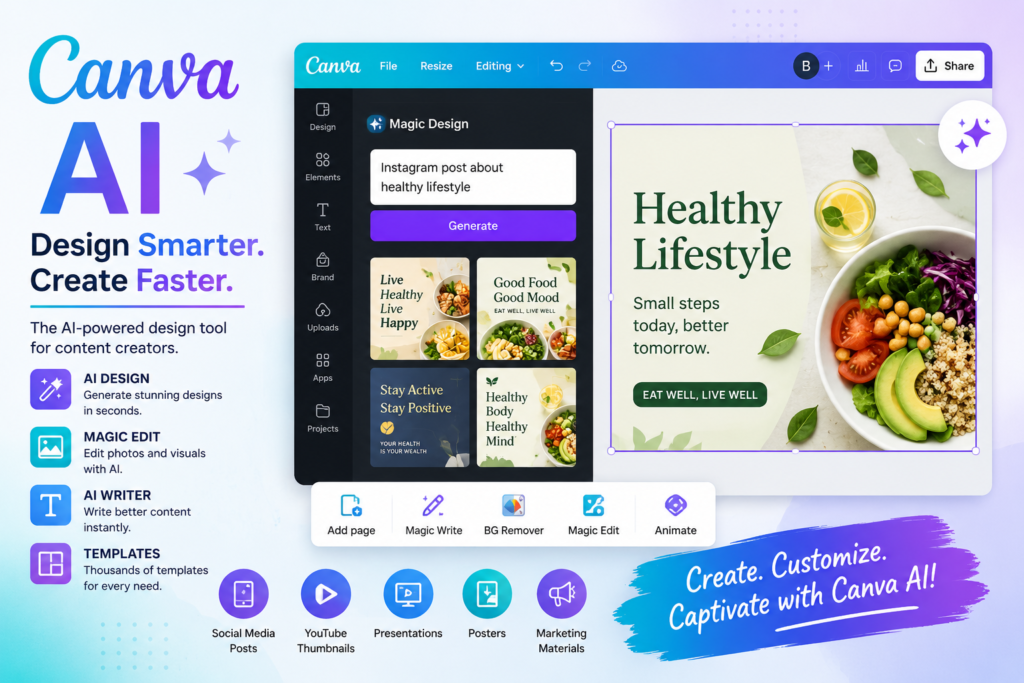
Canva AI has evolved into much more than a design platform. It now includes AI-powered tools for generating presentations, social media graphics, thumbnails, marketing materials, and written content.
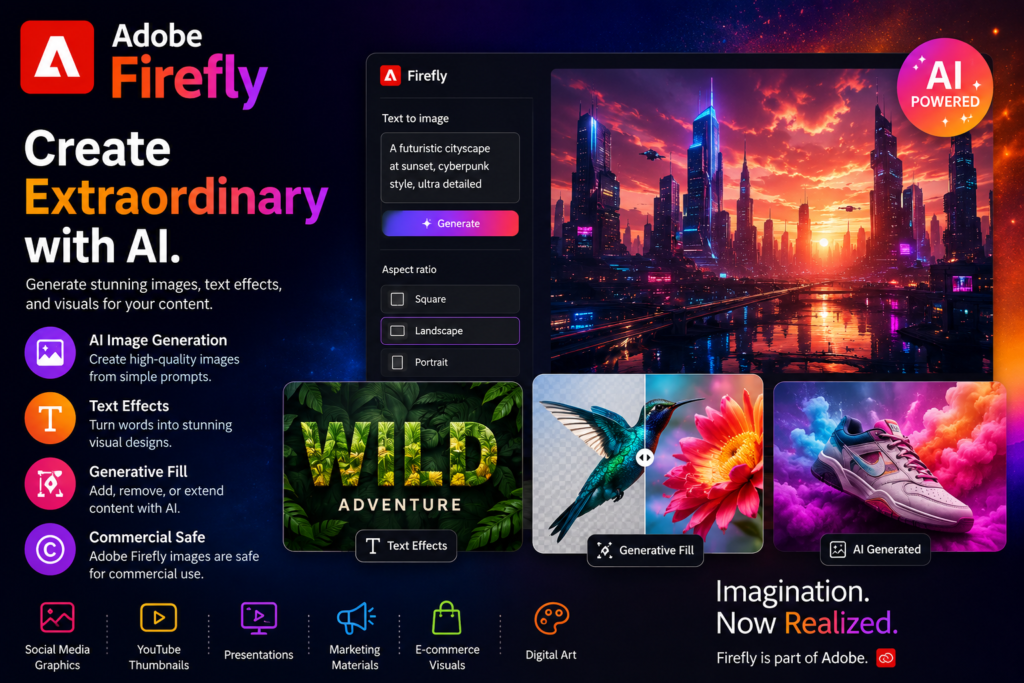
Adobe Firefly focuses on AI-powered image generation and creative design. It enables creators to produce unique visuals, text effects, and editable graphics for digital content.
| Tool | Best For | Free Plan | Beginner Friendly |
|---|---|---|---|
| ChatGPT | Writing & Ideas | ✅ | ⭐⭐⭐⭐⭐ |
| Claude | Long-form Writing | ✅ | ⭐⭐⭐⭐☆ |
| Google Gemini | Research | ✅ | ⭐⭐⭐⭐⭐ |
| Canva AI | Design | ✅ | ⭐⭐⭐⭐⭐ |
| Adobe Firefly | AI Image Generation | ✅ | ⭐⭐⭐⭐☆ |
With so many AI tools available today, selecting the right one can feel overwhelming. The best approach is to choose a tool based on your specific goals rather than trying to use every AI platform. Here are some recommendations based on different content creation needs.
If your primary goal is writing SEO-friendly blog posts, ChatGPT and Claude are excellent choices. They can help you generate article ideas, create detailed outlines, write complete blog posts, improve readability, and even optimize content for search engines.
If you need eye-catching graphics for social media, YouTube thumbnails, presentations, or marketing materials, Canva AI is one of the best beginner-friendly options. Its drag-and-drop interface makes designing fast and easy.
Adobe Firefly is ideal for creating high-quality AI-generated images, text effects, and commercial-use visuals. It is especially useful for designers, marketers, and creative professionals.
If your work involves researching topics, comparing information, or summarizing lengthy articles, Google Gemini can help you find and organize information quickly.
Small business owners can combine ChatGPT for writing content and Canva AI for creating graphics. This combination covers blog posts, social media content, email marketing, advertisements, and promotional materials without requiring expensive software.
Like any technology, AI tools have both advantages and limitations.
Getting high-quality output depends on how well you communicate with AI. Follow these best practices:
ChatGPT and Canva AI are excellent choices for beginners because they have simple interfaces, free plans, and are easy to learn.
Most AI tools offer free versions with limited features. Premium subscriptions unlock advanced capabilities, faster responses, and higher usage limits.
No. AI is designed to assist creators rather than replace them. Human creativity, storytelling, expertise, and editing remain essential for producing valuable content.
ChatGPT and Claude are among the best AI writing assistants for creating SEO-friendly articles, blog posts, and website content.
Yes. Many successful creators use ChatGPT for writing, Canva AI for graphic design, Adobe Firefly for image generation, and Google Gemini for research to create a complete content creation workflow.
Artificial Intelligence has transformed the way content is created in 2026. Whether you’re a blogger, YouTuber, freelancer, digital marketer, or business owner, AI tools can help you produce high-quality content faster while saving valuable time.
If you’re just starting out, begin with ChatGPT for writing and Canva AI for designing visuals. As your needs grow, you can incorporate tools like Claude, Google Gemini, and Adobe Firefly into your workflow for better research, creativity, and productivity.
The key to success isn’t replacing your creativity with AI—it’s using AI as a powerful assistant to enhance your skills.
The Best AI Tools for Content Creators in 2026 provide powerful solutions for writing, designing, researching, and generating visuals. By choosing the right tools for your goals and combining them with your own creativity, you can create better content, grow your audience, and stay ahead in the rapidly evolving digital landscape.
As AI technology continues to improve, content creators who learn to use these tools effectively will gain a significant advantage in productivity, quality, and long-term success.