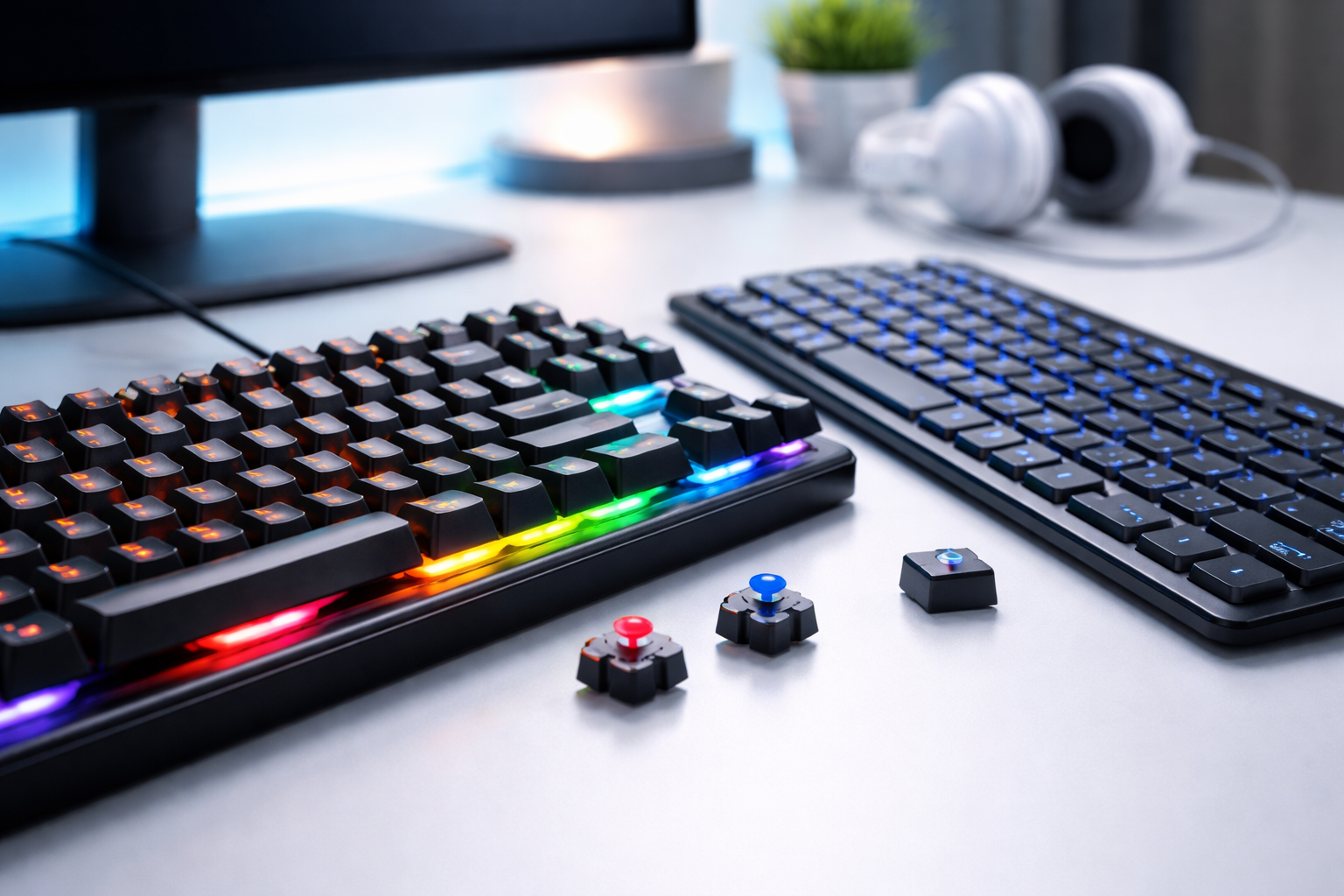
If you’re trying to choose between a mechanical keyboard and a membrane keyboard, here’s the simple truth:
Mechanical keyboards offer better performance, durability, and typing experience, while membrane keyboards are quieter, cheaper, and more suitable for basic use. The right choice depends on how you actually use your keyboard daily.
Quick Answer
- ⌨️ Mechanical Keyboard → Best for gaming, typing, durability
- 💻 Membrane Keyboard → Best for budget users, office work
- 🔊 Noise → Mechanical (louder), Membrane (quieter)
- 💰 Price → Mechanical (expensive), Membrane (affordable)
- ⚡ Performance → Mechanical wins
Why This Debate Matters More Than Ever
Here’s the thing—most people don’t think twice before buying a keyboard.
They just pick the cheapest option.
But I’ve seen this go wrong.
A friend of mine bought a cheap membrane keyboard for gaming. Within a month:
- Missed keystrokes
- Delayed response
- Frustration during matches
He switched to a mechanical keyboard—and the difference? Night and day.
That’s why this comparison actually matters.
What Is a Mechanical Keyboard?
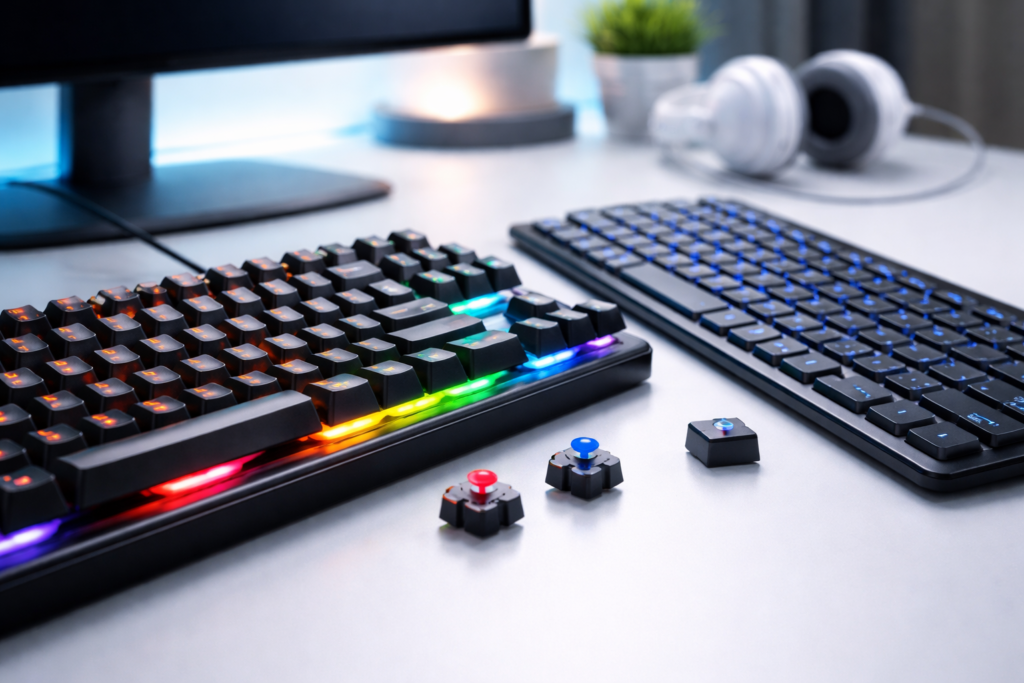
A mechanical keyboard uses individual mechanical switches under each key.
🔹 How It Works
Each key has its own switch with:
- Spring
- Stem
- Housing
When you press a key, it activates independently—giving precise feedback.
🔧 Types of Mechanical Switches
1. Linear Switches
- Smooth keystrokes
- No tactile bump
- Best for gaming
2. Tactile Switches
- Small bump feedback
- Balanced typing + gaming
3. Clicky Switches
- Loud “click” sound
- Best for typing enthusiasts
✅ Advantages of Mechanical Keyboards
- ✔️ Faster response time
- ✔️ Better for gaming
- ✔️ Highly durable (50M+ keystrokes)
- ✔️ Customizable (RGB, keycaps, switches)
- ✔️ Satisfying typing feel
❌ Disadvantages
- ❌ Expensive
- ❌ Noisy (can be distracting)
- ❌ Bulky
What Is a Membrane Keyboard?
A membrane keyboard uses a soft rubber layer under the keys.
Instead of individual switches, it relies on pressure to complete a circuit.
🔹 How It Works
When you press a key:
- Rubber dome collapses
- Circuit is completed
- Input is registered
Simple—but less precise.
✅ Advantages of Membrane Keyboards
- ✔️ Affordable
- ✔️ Quiet typing
- ✔️ Lightweight
- ✔️ Good for office work
❌ Disadvantages
- ❌ Slower response
- ❌ Less durable
- ❌ Mushy typing feel
- ❌ Limited customization
Mechanical vs Membrane Keyboard: Key Differences
📊 Comparison Table
| Feature | Mechanical Keyboard | Membrane Keyboard |
|---|---|---|
| Typing Experience | Crisp & tactile | Soft & mushy |
| Speed | Fast | Slower |
| Durability | High | Medium |
| Noise | Loud | Quiet |
| Price | Expensive | Affordable |
| Gaming Performance | Excellent | Average |
🎮 Which Keyboard Is Better for Gaming?
Short answer: Mechanical keyboards.
Here’s why:
- Faster actuation
- Better key rollover
- No missed inputs
Real Scenario:
I’ve seen gamers lose matches because of input lag on membrane keyboards.
Mechanical keyboards give:
- Precision
- Speed
- Reliability
👉 If gaming is your priority, don’t overthink—go mechanical.
✍️ Which Keyboard Is Better for Typing?
This is where it gets interesting.
Mechanical Keyboard:
- Better feedback
- Faster typing
- Less fatigue (once you adjust)
Membrane Keyboard:
- Quieter
- Softer feel
👉 Writers, coders → Mechanical
👉 Office users → Membrane works fine
🔊 Noise Comparison: Is Mechanical Too Loud?
Let’s be honest…
Yes, mechanical keyboards can be loud.
Especially clicky switches.
But here’s what most people miss:
👉 You can choose silent mechanical switches
So you get:
- Performance
- Without disturbing others
💰 Price Comparison: Is Mechanical Worth It?
Membrane Keyboard:
₹300 – ₹1,500
Mechanical Keyboard:
₹2,500 – ₹10,000+
Here’s the truth…
A good mechanical keyboard lasts years.
A cheap membrane keyboard? You’ll replace it often.
👉 Long-term → Mechanical is actually better value.
🧠 How to Choose the Right Keyboard
Step-by-Step Checklist
1. Define Your Use
- Gaming → Mechanical
- Office → Membrane
- Mixed → Mechanical (best balance)
2. Consider Your Budget
- Low budget → Membrane
- Mid/high → Mechanical
3. Noise Preference
- Quiet environment → Membrane / silent mechanical
- No issue → Any mechanical
4. Typing Feel Matters
- Love feedback → Mechanical
- Prefer soft → Membrane
⚠️ Common Mistakes to Avoid
- ❌ Buying cheapest keyboard blindly
- ❌ Ignoring usage (gaming vs office)
- ❌ Choosing loud switches for office use
- ❌ Not checking durability
I’ve seen people regret this—especially gamers.
🔎 People Also Ask
1. Is a mechanical keyboard better than a membrane keyboard?
Yes, mechanical keyboards are generally better in terms of performance, durability, and typing experience. However, membrane keyboards are more affordable and quieter, making them suitable for basic tasks.
2. Do mechanical keyboards last longer?
Yes, mechanical keyboards can last up to 50 million keystrokes or more, while membrane keyboards usually wear out faster due to rubber dome degradation.
3. Are mechanical keyboards good for typing?
Yes, mechanical keyboards provide better tactile feedback and faster typing speed, making them ideal for writers, programmers, and heavy typists.
4. Why are mechanical keyboards expensive?
They use individual switches for each key, higher-quality materials, and offer customization options, which increases their cost.
5. Are membrane keyboards good for gaming?
Membrane keyboards can be used for gaming, but they lack the speed, precision, and responsiveness of mechanical keyboards.