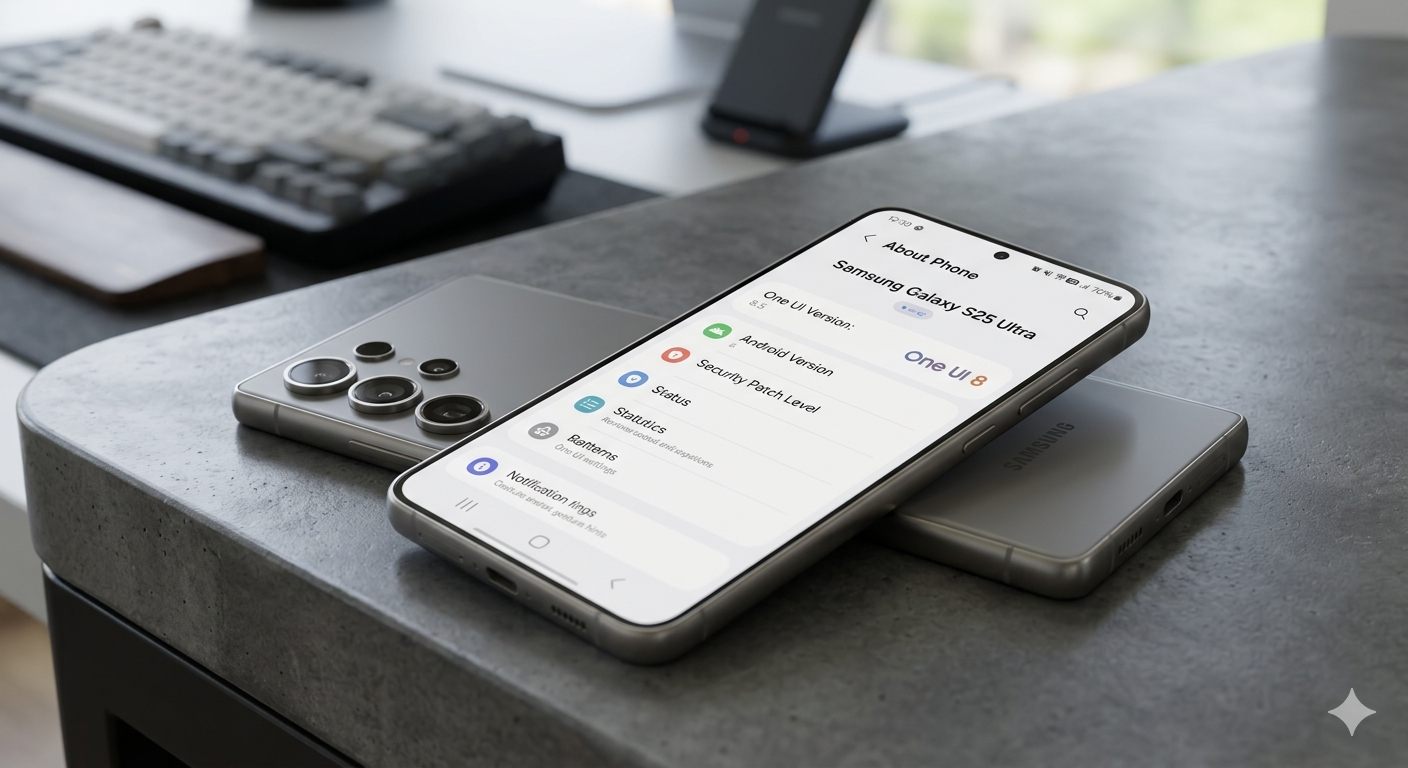
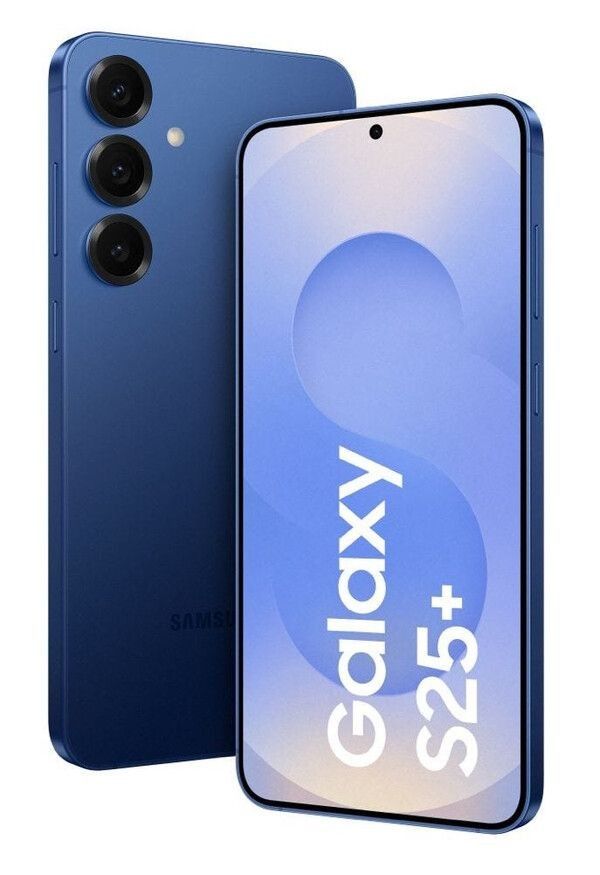
Samsung is once again pushing the boundaries of smartphone software with its latest update — One UI 8.5, specially optimized for the Galaxy S25 series. Built on Android 16, this update is not just a minor upgrade but a powerful blend of AI features, improved performance, enhanced privacy, and visual refinements.
After months of beta testing, multiple updates, and user feedback, One UI 8.5 is finally shaping up to be one of Samsung’s most advanced and feature-rich software versions yet. In this article, we’ll explore the complete changelog, new features, improvements, and everything you need to know.
One UI 8.5 Release Timeline (Galaxy S25)
Samsung started the One UI 8.5 beta program in December 2025.
- Multiple beta updates rolled out (Beta 1 → Beta 10)
- Focus on stability, AI features, and bug fixes
- Stable update expected around late April to early May 2026
This long testing phase shows how serious Samsung is about delivering a polished experience.
One UI 8.5 Changelog (Galaxy S25)
Let’s break down all the major changes in One UI 8.5.
1. Advanced Galaxy AI Features
One of the biggest highlights of One UI 8.5 is the deep integration of Galaxy AI, making your smartphone smarter than ever.
✔️ AI Call Screening
- Automatically answers unknown calls
- Asks caller details and purpose
- Shows real-time transcription
- Helps avoid spam calls
This feature works similarly to Google’s call screening but is now deeply integrated into Samsung’s ecosystem.
✔️ Creative Studio (AI Image Editing)
- Generate images using text prompts
- Create stickers instantly
- Edit photos using AI suggestions
Perfect for content creators and social media users.
✔️ Photo Assist (Enhanced)
- Edit images without saving multiple versions
- AI suggests improvements automatically
✔️ Audio Eraser Upgrade
- Removes background noise from videos
- Works with more third-party apps
- Easily accessible from Quick Panel
✔️ Smart AI Personalization
One UI 8.5 now understands your usage patterns and adapts accordingly:
- Suggests apps based on routine
- Smarter notifications
- Context-aware automation
2. UI & Design Improvements
Samsung has refined the overall look and feel of the interface.
✔️ New Visual Enhancements
- Cleaner icons and smoother animations
- Improved lock screen effects
- Better readability across UI elements
✔️ Customizable Quick Panel
- Add, remove, and resize controls
- Personalize layout as per your usage
✔️ Battery Icon Visibility Upgrade
- Cleaner battery icon (background removed)
- Improved visibility in status bar
3. Performance & Stability Improvements
Samsung has focused heavily on performance in this update.
✔️ Bug Fixes (Across Betas)
- Fixed battery drain issues
- Improved Gallery app performance
- Fixed lock screen clock glitches
- Solved multi-touch issues
- Better proximity sensor during calls
✔️ Smoother Animations
- Faster app opening
- Reduced lag
- Improved overall UI fluidity
✔️ Improved Bluetooth Connectivity
- Better pairing stability
- Reduced connection drops
4. Camera & Media Enhancements
Samsung has also upgraded camera capabilities in One UI 8.5.
✔️ New Camera Filters
- Classic Film
- Pop Film
- Blanc
✔️ 4K Recording Fixes
- Improved stability in video recording
- Reduced glitches and lag
✔️ AI-Based Editing Tools
- Auto-enhance photos
- Smart cropping
- Better portrait effects
5. Connectivity & Ecosystem Features
Samsung is focusing more on cross-device integration.
✔️ Quick Share with AirDrop-like Support
- Seamless file transfer
- Cross-platform sharing improvements
✔️ Storage Share
- Access files across Galaxy devices
- Works with phones, tablets, PCs, and TVs
✔️ Audio Broadcast (Auracast)
- Share audio with multiple devices
- Useful for events and media sharing
6. Privacy & Security Upgrades
Security is another strong focus in One UI 8.5.
✔️ Theft Protection Features
- Extra authentication layers
- Lock device after failed attempts
✔️ Enhanced Privacy Controls
- Better permission management
- More control over data sharing
7. New Gestures & Controls
Samsung is introducing new ways to interact with your phone.
✔️ Back Tap Gesture (Rumored)
- Double tap on back to perform actions
- Open apps, take screenshots, toggle flashlight
✔️ Improved Navigation
- Smoother gestures
- Faster response time
8. Beta-Specific Changelog Highlights
Across multiple beta updates, Samsung introduced:
- AirDrop-like sharing feature
- New camera filters
- Bug fixes for better stability
- Improved UI animations
- Enhanced Quick Panel customization
- AI feature rollouts (gradually added)
Hidden Features & Future Updates
Some features are still under development or limited:
- AI Notification Summary
- Advanced Bixby AI improvements
- More Galaxy S26 features expected
Final Verdict: Is One UI 8.5 Worth It?
Absolutely YES.
One UI 8.5 is not just a small update — it’s a major upgrade focused on AI, performance, and user experience.
👍 Pros:
- Powerful AI tools
- Better performance
- Improved UI customization
- Strong ecosystem integration
👎 Cons:
- Some features still limited to beta
- AI tools may vary by region
Conclusion
The Samsung Galaxy S25 One UI 8.5 update is shaping the future of smartphone software. With its deep AI integration, smarter UI, and performance upgrades, it offers a next-level user experience.
If you own a Galaxy S25, this update will make your device:
- Smarter
- Faster
- More personalized
And with the stable rollout just around the corner, users won’t have to wait much longer to experience it.