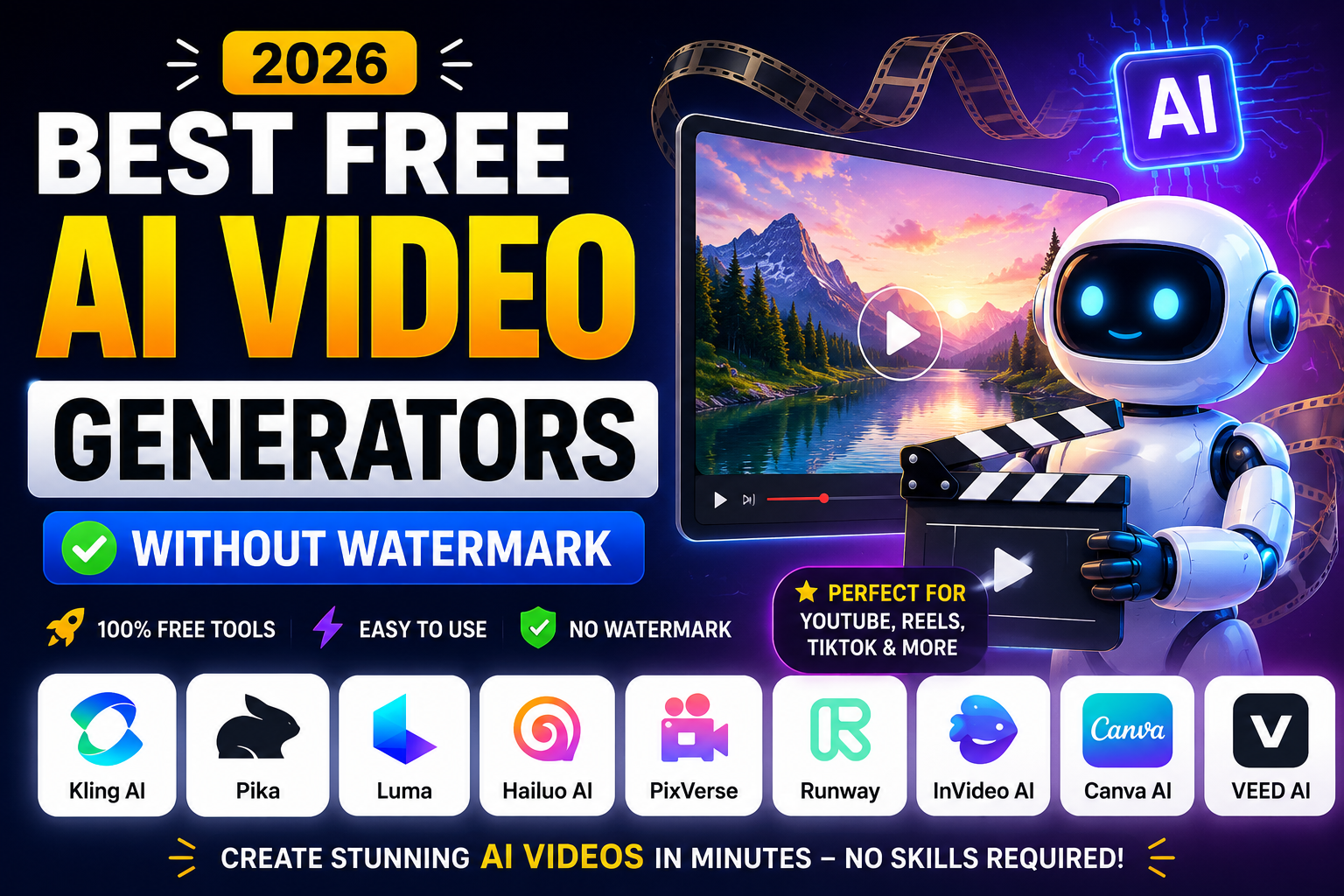
Best Free AI Video Generators Without Watermark in 2026
Artificial Intelligence has completely changed the way we create videos. A task that once required expensive editing software, professional designers, and hours of work can now be completed in just a few minutes with the help of AI.
Whether you’re a YouTuber, content creator, digital marketer, student, freelancer, or small business owner, AI video generators can help you turn simple text prompts into engaging videos without advanced editing skills.
The biggest challenge, however, is finding a tool that is actually free. Many platforms advertise themselves as “free AI video generators,” but once you finish creating your video, you’re greeted with a watermark or asked to upgrade to a paid plan before downloading.
If you’ve searched for “best free AI video generators without watermark,” you’ve probably experienced this frustration yourself.
To save you time, we tested some of the most popular AI video generation platforms available in 2026. In this guide, we’ll compare their free plans, watermark policies, features, strengths, and limitations so you can choose the right tool for your needs.
Whether you’re creating YouTube videos, Instagram Reels, TikTok clips, marketing advertisements, or educational content, this list has something for everyone.
Quick Comparison Table
| AI Tool | Free Plan | Watermark | Best For |
|---|---|---|---|
| Google Gemini | Yes | Limited exports may vary | AI video prompts & creative assistance |
| Kling AI | Yes | Free plan available | Cinematic AI videos |
| Pika | Yes | Limited free generation | Short AI animations |
| Luma Dream Machine | Yes | Limited | Realistic AI videos |
| Hailuo AI | Yes | Limited | Viral short-form videos |
| PixVerse AI | Yes | Limited | Social media content |
| Runway | Yes | Yes on free exports | Professional creators |
| InVideo AI | Yes | Yes on free exports | Marketing videos |
| Canva AI | Yes | Depends on assets used | Beginners |
| VEED AI | Yes | Yes on free exports | Quick editing |
Note: Free plans, watermark policies, export limits, and available features may change over time. Always check the official pricing or plans page of each AI video generator before using it for commercial or professional projects.
What Is an AI Video Generator?
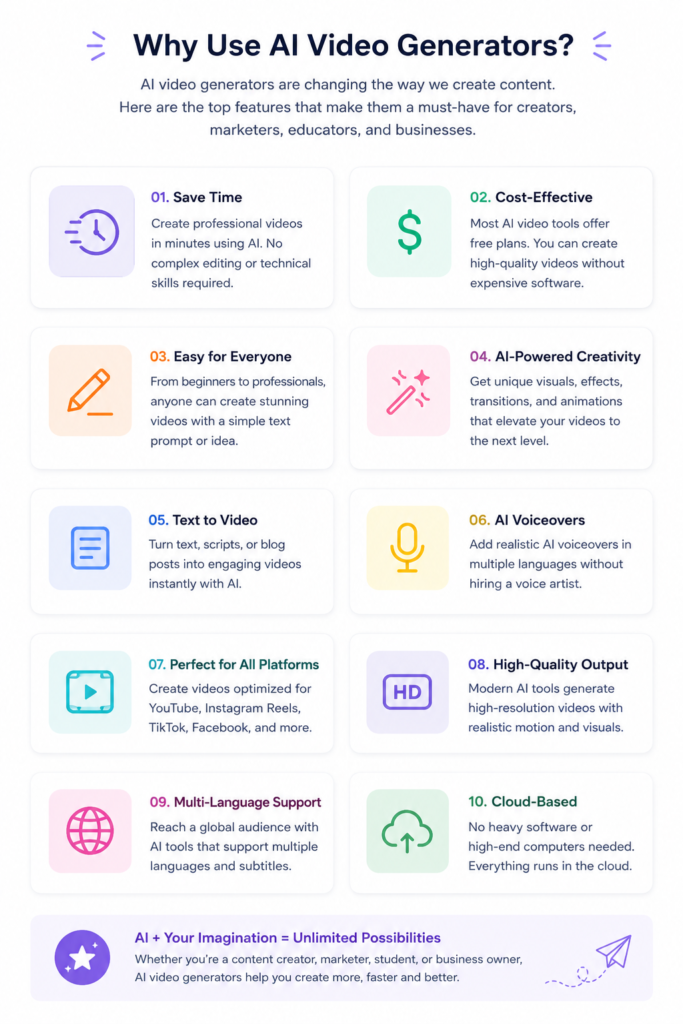
An AI video generator is a tool that uses artificial intelligence to create videos from text prompts, images, scripts, or existing content. Instead of manually editing every scene, AI automates much of the creative process.
For example, you can simply type a prompt like:
“A futuristic city at sunset with flying cars and cinematic lighting.”
Within minutes, an AI video generator can produce a short animated clip based on your description.
Modern AI video tools can also:
- Generate realistic visuals from text
- Add AI voiceovers
- Create subtitles automatically
- Produce social media videos
- Turn blog posts into videos
- Generate B-roll footage
- Create product advertisements
- Make explainer videos
This technology has become especially popular among YouTubers, marketers, educators, and businesses looking to create professional-looking videos quickly.
How We Selected These AI Video Generators
There are dozens of AI video tools available today, but not all of them deserve a place on this list.
Instead of simply collecting popular names, we focused on the features that matter most to creators.
Here are the criteria we used while evaluating each platform:
Free Plan Availability
The tool should allow users to create videos without paying upfront.
Watermark Policy
We checked whether videos generated using the free plan include a visible watermark or whether clean exports are available under certain conditions.
Video Quality
We considered overall output quality, including realism, motion, visual consistency, and resolution.
Ease of Use
A good AI video generator should be beginner-friendly while still offering enough flexibility for experienced creators.
Best Use Cases
Some tools are better for cinematic storytelling, while others excel at creating short-form content for platforms like Instagram Reels, TikTok, and YouTube Shorts. We’ve highlighted the strengths of each tool so you can find the one that matches your workflow.
1. Google Gemini
Google Gemini has evolved far beyond being just an AI chatbot. It can now assist creators with video planning, script writing, scene generation, storyboard creation, and prompt engineering for AI video models.
While Gemini itself isn’t a traditional video editor, it works exceptionally well alongside Google’s latest AI video technologies, helping creators build detailed prompts that produce more accurate and visually appealing results.
If you’re struggling to write effective prompts for cinematic videos, Gemini can significantly improve your workflow.
Best Features
- Generates detailed video prompts
- Helps write YouTube scripts
- Creates storyboards
- Assists with marketing videos
- Excellent for brainstorming creative ideas
- Easy integration with Google’s AI ecosystem
Pros
- Free to use
- Excellent prompt generation
- Beginner-friendly interface
- Ideal for content planning
- Supports multiple creative tasks beyond video
Cons
- Doesn’t function as a complete standalone AI video editor
- Advanced video generation capabilities may depend on other Google AI services
Best For
Content creators, bloggers, YouTubers, marketers, and beginners who want help generating ideas and high-quality prompts before creating videos.
2. Kling AI
Kling AI has become one of the most talked-about AI video generation platforms thanks to its ability to create realistic, cinematic videos from simple text prompts.
Many creators use Kling AI for storytelling, product advertisements, travel visuals, fantasy scenes, and social media content because of its impressive motion quality and realistic character animations.
Although the free plan has usage limits, it’s still a great way to explore what the platform can do before considering a paid subscription.
Best Features
- Text-to-video generation
- Image-to-video conversion
- Realistic cinematic motion
- High-quality visual effects
- Suitable for social media and marketing content
Pros
- Impressive visual quality
- Easy-to-use interface
- Great for cinematic scenes
- Produces smooth animations
Cons
- Daily generation limits on the free plan
- Rendering can take longer during peak usage
Best For
Creators looking to produce eye-catching AI videos for YouTube, Instagram Reels, and short-form storytelling.
3. Pika
Pika has quickly become one of the most popular AI video generators among creators who want to transform simple ideas into engaging animations. Its clean interface and fast rendering make it especially appealing to beginners.
One of Pika’s biggest strengths is its ability to generate short cinematic clips that work well for Instagram Reels, YouTube Shorts, and TikTok videos.
Best Features
- Text-to-video generation
- Image-to-video conversion
- AI camera movements
- Cinematic effects
- Multiple animation styles
Pros
- Beginner-friendly interface
- Fast rendering
- High-quality animations
- Excellent for short-form content
Cons
- Free credits are limited
- Some advanced features require a paid subscription
Best For
Creators making Instagram Reels, YouTube Shorts, and short promotional videos.
4. Luma Dream Machine
Luma Dream Machine has impressed creators with its realistic motion and smooth camera movements. Instead of producing static-looking AI videos, it focuses on making scenes feel natural and cinematic.
It works particularly well for travel videos, storytelling, product showcases, and creative social media content.
Best Features
- Highly realistic motion
- Smooth camera transitions
- Text-to-video
- Image animation
- Cinematic output
Pros
- Excellent video quality
- Realistic scene generation
- Great for storytelling
- Easy-to-use interface
Cons
- Limited free generations
- Processing time can vary
Best For
Professional-looking AI videos and cinematic storytelling.
5. Hailuo AI
Hailuo AI has gained attention because of its ability to create eye-catching AI videos with minimal effort. It performs particularly well when generating creative visuals for social media.
Its prompt understanding has improved significantly, making it easier for beginners to create attractive videos.
Best Features
- AI text-to-video
- Creative visual styles
- Fast video generation
- Social media optimization
Pros
- Easy to use
- Good animation quality
- Beginner friendly
- Fast rendering
Cons
- Free usage limits
- Advanced features require paid plans
Best For
Instagram creators, marketers, and influencers.
6. PixVerse AI
PixVerse AI is another rapidly growing platform designed for creators who want visually appealing AI-generated videos.
The platform offers multiple animation styles and produces videos suitable for YouTube Shorts, TikTok, and Instagram.
Best Features
- Image-to-video
- Text-to-video
- Creative transitions
- AI animation
Pros
- Modern interface
- High-quality videos
- Simple workflow
Cons
- Credit-based free plan
- Some exports have restrictions
Best For
Short-form content creators.
7. Runway
Runway remains one of the most advanced AI creative platforms available today. Unlike many beginner-focused tools, Runway offers professional editing capabilities alongside AI video generation.
It’s widely used by filmmakers, agencies, and advanced creators.
Best Features
- AI video editing
- Object removal
- Green screen
- Motion tracking
- Text-to-video
Pros
- Professional features
- Excellent editing tools
- High-quality output
Cons
- Learning curve for beginners
- Watermark on many free exports
- Premium plans unlock most advanced features
Best For
Professional creators and video editors.
8. Canva AI
Most people know Canva for graphic design, but its AI-powered video tools have become increasingly useful for beginners.
You can create presentations, promotional videos, social media reels, and business videos with minimal editing experience.
Best Features
- Drag-and-drop editing
- AI Magic Media
- Ready-made templates
- Stock library
- AI text generation
Pros
- Extremely beginner friendly
- Huge template library
- Easy collaboration
- Perfect for business videos
Cons
- Some premium assets require Canva Pro
- Free exports may be limited depending on the assets used
Best For
Students, educators, freelancers, and small businesses.
9. InVideo AI
InVideo AI focuses on helping users convert ideas into complete videos quickly. Simply enter a topic or script, and the platform automatically creates scenes, adds stock footage, subtitles, and background music.
Best Features
- Script-to-video
- AI voiceovers
- Automatic subtitles
- Stock footage integration
Pros
- Saves hours of editing
- Beginner friendly
- Large media library
Cons
- Watermark on free exports
- Limited AI credits
Best For
YouTube creators and marketing teams.
10. VEED AI
VEED AI combines AI generation with a simple online video editor.
If your workflow includes captions, translations, screen recordings, and quick edits, VEED AI is a practical choice.
Best Features
- AI subtitles
- Video editing
- AI avatars
- Screen recorder
- Text-to-video
Pros
- Easy editing
- Great subtitle generation
- Browser-based
Cons
- Watermark on free exports
- Premium plans unlock better export options
Best For
Business presentations, tutorials, and educational videos.
Which AI Video Generator Is Best?
Which AI Video Generator Is Best?
The best AI video generator depends on your specific needs. Here’s a quick comparison to help you choose the right tool:
| Purpose | Recommended Tool |
|---|---|
| Cinematic Videos | Kling AI |
| Realistic AI Videos | Luma Dream Machine |
| Short Animations | Pika |
| Marketing Videos | InVideo AI |
| Beginners | Canva AI |
| Professional Editing | Runway |
| Prompt Writing | Google Gemini |
| Instagram Reels | PixVerse AI |
| YouTube Shorts | Hailuo AI |
| Business Videos | VEED AI |
Frequently Asked Questions
Which is the best free AI video generator without watermark?
There isn’t a single tool that offers unlimited watermark-free exports on a completely free plan. Many platforms provide free credits or limited clean exports, while others add watermarks unless you upgrade. Always review the latest pricing and export policies before using a tool for commercial work.
Can AI generate videos from text?
Yes. Modern AI tools can create videos from simple text prompts, scripts, or images.
Which AI video generator is best for YouTube?
Kling AI, Runway, InVideo AI, and Luma Dream Machine are popular choices, depending on whether you need cinematic clips, editing features, or fast script-to-video creation.
Are AI video generators suitable for beginners?
Yes. Platforms like Canva AI, Google Gemini, and Pika are designed with beginner-friendly interfaces and templates.
Can I use AI-generated videos for commercial projects?
It depends on the tool’s license and subscription plan. Always review the platform’s terms of use before using AI-generated content for business or client work.
Final Verdict
AI video generators have made professional-looking video creation more accessible than ever. Whether you’re creating YouTube videos, Instagram Reels, marketing campaigns, or educational content, there’s an AI tool that can simplify your workflow.
Rather than choosing the “best” platform overall, focus on the one that fits your specific needs. Beginners may prefer Canva AI or Google Gemini for planning and content creation, while creators seeking cinematic visuals might lean toward Kling AI or Luma Dream Machine. If advanced editing is your priority, Runway remains a strong option.
Before committing to any platform, test its free plan and check the latest export limits and watermark policies. Many services update their pricing and features regularly, so a quick review of the official documentation can help you avoid surprises.
As AI video technology continues to evolve, creators can expect even better quality, faster generation times, and more powerful editing features in the years ahead. By experimenting with different tools, you’ll discover the one that best matches your creative style and production goals.