
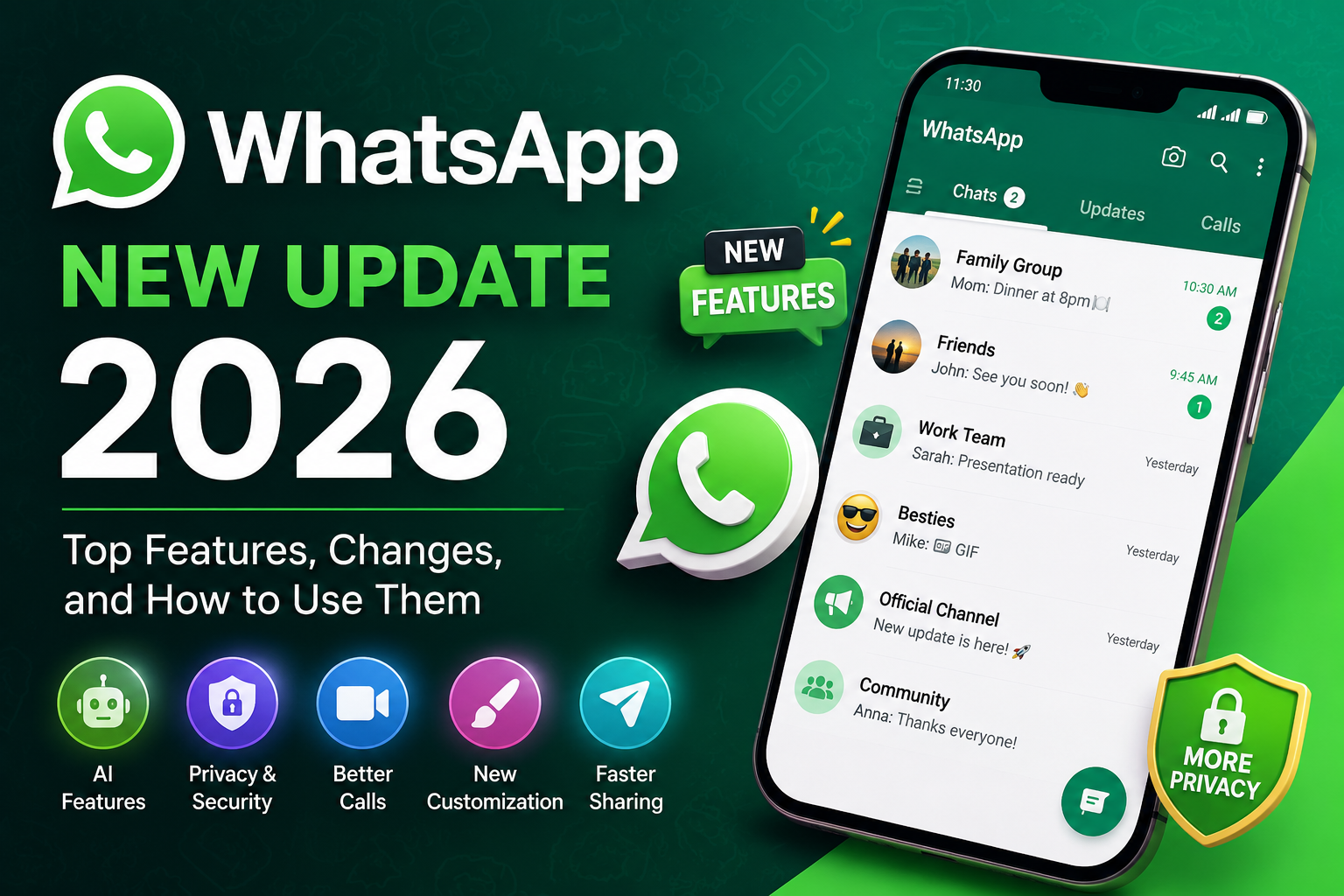
If you use WhatsApp every day, there’s good news. The WhatsApp New Update 2026 introduces several exciting features designed to make chatting faster, safer, and more convenient. From smarter AI-powered tools to enhanced privacy settings and improved calling experiences, this update brings meaningful improvements for millions of users.
Whether you use WhatsApp to stay connected with family, collaborate with colleagues, or run a small business, these new features can help improve your daily communication. In this guide, we’ll explore everything included in the latest update, explain how each feature works, and show you how to make the most of them.
What's New in WhatsApp Update 2026?
WhatsApp regularly rolls out updates to improve user experience, fix bugs, and strengthen security. The WhatsApp New Update 2026 focuses on making communication more intelligent, private, and user-friendly.
Some of the biggest highlights include:
- New AI-powered chat assistance
- Improved privacy controls
- Better video calling quality
- More chat customization options
- Faster media sharing
- Enhanced group management
- Performance improvements
- Improved multi-device experience
These additions aim to simplify everyday conversations while giving users greater control over their personal information.
1. AI-Powered Chat Assistance
Artificial intelligence is becoming a bigger part of messaging apps, and WhatsApp is no exception.
The latest update introduces AI-powered tools that can help users perform everyday tasks more efficiently.
Depending on your region and device availability, AI features may allow you to:
- Generate quick replies
- Rewrite messages
- Summarize long conversations
- Answer general questions
- Create images using AI
- Get writing suggestions
These tools are especially useful for professionals, students, and business users who frequently communicate through WhatsApp.
Benefits
- Saves time
- Improves writing quality
- Faster responses
- Better productivity
2. Stronger Privacy Features
Privacy has always been one of WhatsApp’s strongest advantages, and the latest version introduces even more security enhancements.
Users now have greater control over who can interact with them and how their information is shared.
Some important privacy improvements include:
- Better chat protection
- Enhanced account security
- More control over profile visibility
- Improved spam protection
- Advanced message privacy
These features help reduce unwanted messages while keeping conversations secure.
3. Better Voice and Video Calling
Voice and video calls continue to improve with every update.
The WhatsApp New Update 2026 focuses on making calls smoother, clearer, and more reliable.
Some improvements include:
- Better HD video quality
- Improved voice clarity
- Reduced background noise
- More stable connections
- Better performance on slower internet connections
Whether you’re attending online meetings or talking to loved ones, these improvements create a much better calling experience.
4. Improved Group Chat Features
Group conversations are now easier to manage than ever.
The latest update introduces several improvements for communities and group chats.
New enhancements may include:
- Better admin controls
- Easier member management
- Improved event organization
- Faster message navigation
- Smarter notification management
These features make WhatsApp groups more organized, especially for schools, workplaces, and communities.
5. Faster Photo and Video Sharing
Sharing media has become quicker and more reliable.
WhatsApp now optimizes media transfers to reduce waiting time while maintaining image quality whenever possible.
Users can enjoy:
- Faster uploads
- Improved download speed
- Better media organization
- Easier document sharing
- Improved storage management
This makes sharing photos, videos, and documents much more convenient.
6. More Chat Customization
WhatsApp continues giving users more ways to personalize their messaging experience.
The latest update offers additional customization options such as:
- New chat themes
- More wallpaper choices
- Improved emoji reactions
- Better sticker organization
- Enhanced avatar options
These changes allow users to make conversations more engaging and visually appealing.
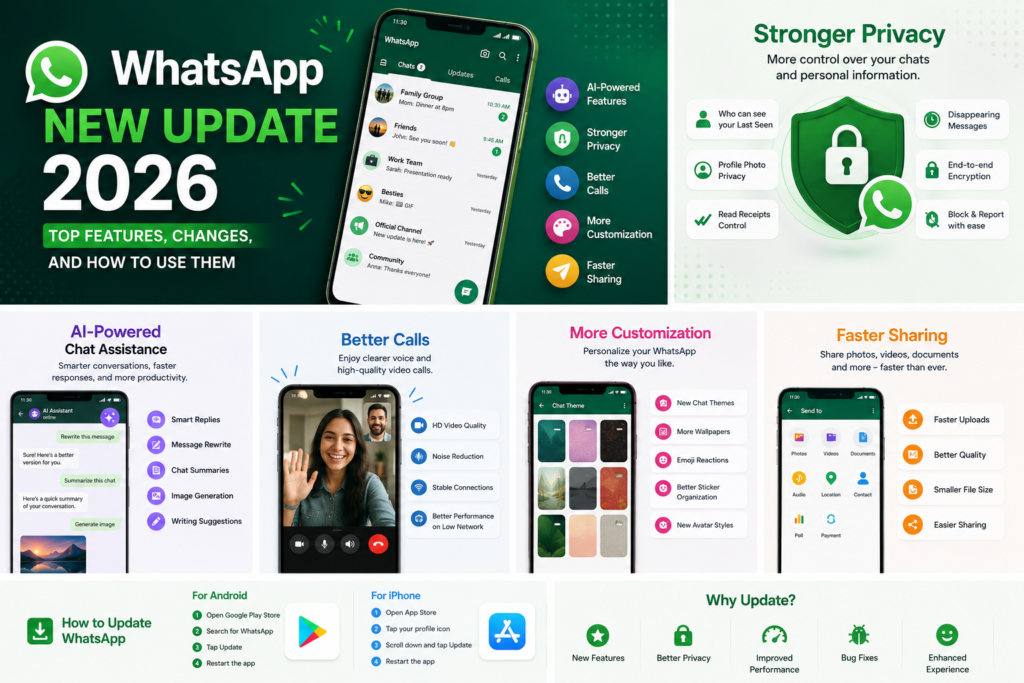
Keeping your app updated isn’t just about getting new features. Every update also includes important bug fixes, security patches, and performance improvements.
Updating WhatsApp helps you:
- Access the latest features
- Improve app performance
- Fix existing bugs
- Strengthen account security
- Stay compatible with newer Android versions
- Enjoy a smoother messaging experience
For the best experience, it’s recommended to enable automatic updates from the Google Play Store or Apple App Store.
Key Takeaways
The WhatsApp New Update 2026 is more than just a routine software update. It introduces smarter AI tools, stronger privacy protections, better call quality, faster media sharing, and enhanced customization features that improve the overall messaging experience.
Whether you’re a casual user or rely on WhatsApp for work, these updates are designed to make communication simpler, safer, and more efficient.
How to Update WhatsApp to the Latest Version
Keeping WhatsApp updated ensures you have access to the newest features, security improvements, and bug fixes. Whether you’re using an Android phone or an iPhone, updating the app only takes a few minutes.
For Android Users
- Open the Google Play Store.
- Tap the search bar and type WhatsApp.
- Open the official WhatsApp app page.
- If an Update button appears, tap it.
- Wait for the installation to finish.
- Open WhatsApp and enjoy the latest features.
For iPhone Users
- Open the App Store.
- Tap your profile icon.
- Scroll down to the available updates.
- Find WhatsApp and tap Update.
- Once the update is complete, launch the app.
Tip: Enable automatic app updates so you never miss important WhatsApp features or security patches.
How to Use the New WhatsApp Features
After updating your app, explore the latest additions by following these simple steps.
Using AI Features
If AI features are available in your region:
- Open WhatsApp.
- Look for the AI icon or AI chat option.
- Start asking questions or request writing assistance.
- Use AI to summarize chats, generate replies, or brainstorm ideas.
Availability may vary depending on your device, account, and region.
Managing Privacy Settings
To customize your privacy:
- Open WhatsApp.
- Tap Settings.
- Select Privacy.
- Adjust options for:
- Last Seen & Online
- Profile Photo
- About
- Status
- Read Receipts
- Calls
- Blocked Contacts
Review these settings regularly to maintain better control over your account.
Personalizing Chats
You can make your conversations more visually appealing by:
- Applying different chat wallpapers
- Using new chat themes
- Organizing stickers
- Creating avatars
- Reacting with emojis
Personalization helps create a more enjoyable messaging experience.
Supported Devices
Most Android and iPhone devices that support the latest WhatsApp version can access the update.
Generally, you’ll need:
Android
- Android 6.0 or later (or the latest supported version according to WhatsApp)
iPhone
- A supported version of iOS compatible with the latest WhatsApp release
Older devices may not receive every new feature immediately.
Benefits of WhatsApp New Update 2026
The latest update offers several advantages for everyday users.
Improved User Experience
The redesigned features make chatting faster, smoother, and easier.
Better Security
Additional privacy controls help keep your conversations protected.
Faster Performance
The app launches more quickly and handles media sharing more efficiently.
Smarter Communication
AI-powered tools can save time by assisting with replies and content creation.
Enhanced Group Management
Communities and group chats become easier to organize and manage.
Are There Any Drawbacks?
Although the update offers many improvements, some users may notice a few limitations.
- AI features may not be available in every country.
- Some features roll out gradually, so not everyone receives them at the same time.
- Older smartphones might experience slower performance.
- New interface changes may take a little time to get used to.
Fortunately, these issues are usually minor compared to the overall improvements.
Common Problems After Updating WhatsApp
Some users experience small issues immediately after updating.
Update Not Showing
Try these solutions:
- Restart your phone.
- Check your internet connection.
- Update Google Play Services (Android).
- Wait for the rollout if the update hasn’t reached your account yet.
App Keeps Crashing
Possible fixes include:
- Clear the app cache (Android).
- Restart your device.
- Install the latest version again.
- Free up storage space.
Missing New Features
Don’t worry if you don’t see every feature immediately.
WhatsApp often releases new features gradually, so they may appear over the next few days or weeks.
Tips to Get the Best Experience
To enjoy the latest WhatsApp update:
- Keep automatic updates enabled.
- Regularly back up your chats.
- Review your privacy settings.
- Keep your phone’s operating system updated.
- Avoid installing unofficial or modified versions of WhatsApp.
- Maintain enough free storage for smooth performance.
These simple habits help ensure a secure and reliable messaging experience.
Frequently Asked Questions (FAQs)
1. What is the WhatsApp New Update 2026?
The WhatsApp New Update 2026 introduces new features, privacy improvements, performance enhancements, and AI-powered tools to improve the overall messaging experience.
2. Is the latest WhatsApp update free?
Yes. Updating WhatsApp from the Google Play Store or Apple App Store is completely free.
3. How can I check if my WhatsApp is updated?
Visit the app page in your device’s app store. If you see Open instead of Update, you’re already using the latest available version.
4. Will I lose my chats after updating?
No. Updating WhatsApp does not delete your chats. However, it’s always a good idea to back up your conversations before installing any major update.
5. Why don't I have the new AI features?
WhatsApp releases some features gradually. They may become available in your region or account at a later date.
6. Is the latest WhatsApp update safe?
Yes. Download WhatsApp only from the official Google Play Store or Apple App Store to ensure you receive secure and verified updates.
7. Can older phones use the new update?
Many older phones can still use WhatsApp, but some advanced features may require newer Android or iOS versions.
8. How often does WhatsApp release updates?
WhatsApp regularly releases updates throughout the year to improve security, fix bugs, and introduce new features.
Conclusion
The WhatsApp New Update 2026 brings a range of improvements that make messaging smarter, faster, and more secure. From AI-powered assistance and stronger privacy controls to smoother voice calls and enhanced customization, the latest update is designed to improve everyday communication.
If you haven’t updated WhatsApp yet, now is the perfect time. Keeping the app updated ensures you receive the newest features, important security patches, and the best possible user experience. Explore the latest tools, customize your chats, and make the most of everything the WhatsApp New Update 2026 has to offer.